AI Music Generator
Describe the song you want or write your own lyrics, and AI composes an original song, usually two takes at a time. Any song can go straight into a music video.
My songs
Sign in and every song you make is kept here.
How to Make a Song with AI
Describe the song or add your lyrics, then listen to the results on the same page a few minutes later.
Describe your song
Write the style, mood and theme in a few words, or switch to custom lyrics and add your lyrics, a style and a title.
Choose the voice
Pick a female or male voice or let the AI decide, or turn on Instrumental for music with no vocals.
Generate and listen
Press Generate. Usually within 1 to 3 minutes the songs appear beside the settings, normally two takes at a time.
Turn it into a music video
Pick the take you like and send it straight to the music video generator to make its MV.
From a Few Words to a Finished Song
A description, your lyrics or an instrumental idea: each becomes an original song.
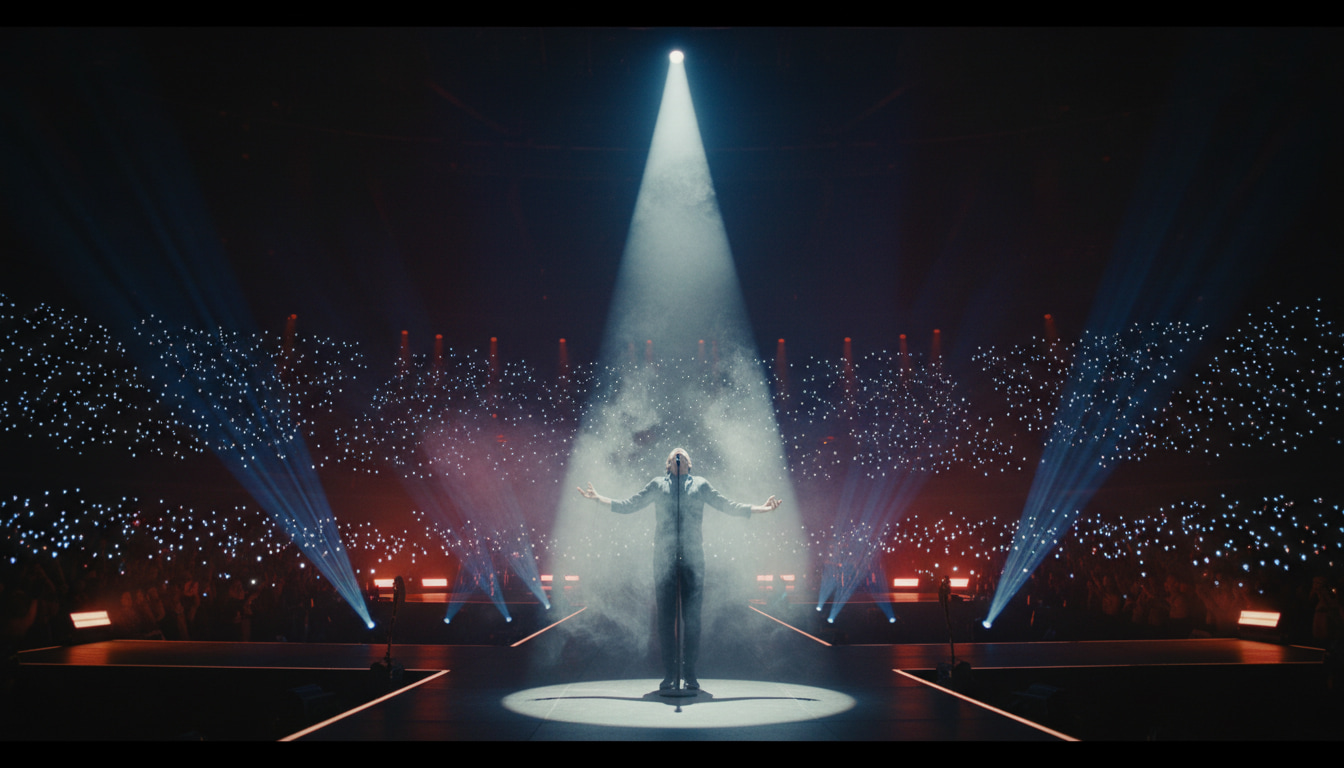
A Complete Song from a Short Description
Describe the style, mood and theme you want, and the AI writes, arranges and sings a complete original song.
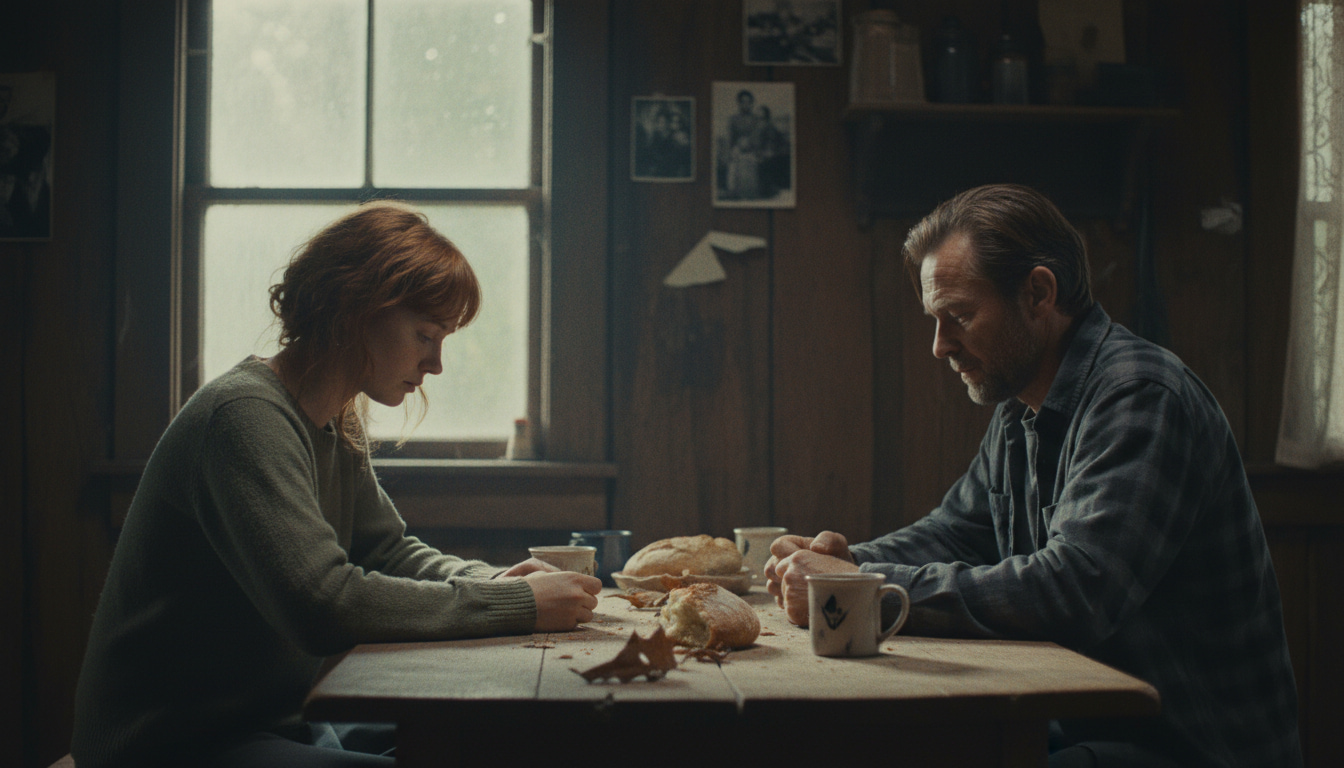
Sing Your Own Lyrics
Custom lyrics mode sings the words you wrote, in the style and with the title you give it.

Vocals or Instrumental
Choose a female or male voice, or skip the vocals and make an instrumental.
One Click to a Music Video
Any song you make can go straight into the SonusVid music video generator, with no download and re-upload.
Why Choose the SonusVid AI Music Generator
Settings and Songs Side by Side
Fill in the settings, wait for the songs and listen to them on one page.
Two Takes to Choose From
Each generation usually gives two different takes, so you can keep the one you like best.
Charged Only on Success
Credits are shown before you generate, and are charged only when at least one song is delivered.
Saved in My Projects
Every generation is saved in My Projects, so you can come back to listen or turn a song into a music video.
What You Can Make with the AI Music Generator
From a love song for someone to music for your videos, it all starts with a few words.

Love Songs and Songs for Someone
Describe your story and make a song written for the two of you.

Music for Videos and Vlogs
Turn on Instrumental for background music that stays out of your voiceover's way.
Songs for Short Videos
Make a catchy track to go with your Reels, Shorts or TikTok.

Lo-fi and Study Music
Describe a calm lo-fi instrumental to study or focus to.

Cinematic Instrumentals
Strings, piano and atmosphere for a score that feels like a film.

Original Songs for Your Music Video
Make a song first, then send it to the music video generator in one click.
AI Songwriting Guide: How It Works, Descriptions and Lyrics
How does an AI music generator make a song?
An AI music generator turns a few words into a finished track. From your description it writes the lyrics, composes a melody, arranges the instruments and sings the vocals, then puts them together as one song. You don't need to play an instrument or record anything: the words you type are the whole brief.
Each generation usually gives you two takes. The model never makes the same song twice, so two takes of one request can differ in melody, tempo and delivery. Listen to both and keep the one that fits; if neither does, adjust your words and generate again. A run usually takes 1 to 3 minutes, and the page stays usable while it works.
The model you pick shapes the result too. There are three: the best all-round model, for paid plans; a lighter one; and a bolder, more experimental one. All three cost the same credits per generation, so choose by the sound you want. The table further down compares them.
How do you write a good song description?
A good description names what a musician would ask about: the genre, the mood, the instruments, the voice and what the song is about. "A sad song" leaves nearly everything to chance. "A slow piano ballad, bittersweet, soft strings, warm female vocals, about leaving your hometown" tells the model what to build.
Concrete words beat vague ones. Name a tempo ("slow", "mid-tempo", "driving"), an era or a scene ("80s synth-pop", "a late-night jazz bar") and one or two instruments that should stand out. Keep to one clear idea: a request for both a calm lullaby and a heavy rock anthem gives the model nothing to aim at. You have up to 500 characters, but a strong description often fits in two sentences.
In custom lyrics mode, the style field takes the same kind of words without the story: genre, mood, instruments and voice, in up to 200 characters. Turn on Instrumental for music with no vocals, such as background music for a video; the words then only need to describe the sound. For vocals, pick a female or male voice, or leave the choice to the model.
How do you turn your own lyrics into a song?
Switch to custom lyrics and the model sings the words you wrote instead of writing its own. Paste up to 3,000 characters of lyrics, describe the music in the style field and, if you like, add a title of up to 80 characters. The model then writes the melody and the arrangement around your words and performs them.
Lay the lyrics out the way a song is built. Give each verse and the chorus a stanza of its own, with a blank line between them, and write the chorus out again every time it should return. Songs repeat on purpose: a chorus heard three times is the part listeners remember. A short bridge before the last chorus adds a lift.
Short, even lines are easier to sing. Lines of similar length within a stanza give the melody a steady shape, while a line that runs on gets rushed. Read the lyrics aloud before you generate: where you stumble, the singer will too. Finally, match the style to the words, because gentle lyrics over a loud punk style pull against each other.
The Three Ways to Make a Song
What each way asks for, who writes the lyrics and when to use it.
| Way | What you fill in | Lyrics | Good for |
|---|---|---|---|
| Describe | A description of up to 500 characters | Written by the AI from your description | An idea, but no lyrics yet |
| Custom lyrics | Lyrics (up to 3,000 characters), a style (up to 200) and an optional title (up to 80) | Your own | Lyrics you have already written |
| Instrumental | A description in describe mode, or only a style in custom lyrics mode | None: no vocals | Video soundtracks and background music |
- Instrumental is a switch that works in both modes.
- For vocals, pick a female or male voice, or let the AI decide.
The Music Models at a Glance
You pick the model on this page: what each one is like, who can use it and what a generation costs.
| Model | Character | Who can use it | Credits per generation |
|---|---|---|---|
| Suno v6 Pro | Best all-round, recommended | Paid plans | 10 credits |
| Suno v6 Mini | Lighter | Every account | 10 credits |
| Suno v6 Wild | Bolder, more experimental | Every account | 10 credits |
- Each generation usually makes two songs.
- Credits are charged only when at least one song is delivered; a generation with no songs costs nothing.
AI Music Generator FAQ
Didn't find your answer?Contact us
Make your
own song.
Describe the song you want or add your lyrics, and generate it on this page.