AI Music Video Clip Generator
Generate a single shot for your music video: describe it in words or upload a first frame to guide its opening. Progress and the finished clip stay visible on this page.
Generated clip
Complete the settings on the left and your clip will appear here.
How to Generate a Music Video Clip with AI
Write a shot description, optionally add a first frame, choose a format and length, then generate.
Describe the shot
Describe the subject, action, camera movement, setting, lighting and mood, matched to a moment in your song.
Add a first frame
Optionally upload an image so the clip begins from a specific composition and subject state, making it easier to cut with your other shots.
Choose format and length
Use 16:9 for YouTube music videos or 9:16 for vertical short-form, and set the length the selected model supports.
Generate and preview
Follow progress on this page, then play the clip when it is ready. Paid plans can download it.
Create MV Shots from Text or an Image
Direct action and camera movement with text, or extend an existing image into a moving clip.
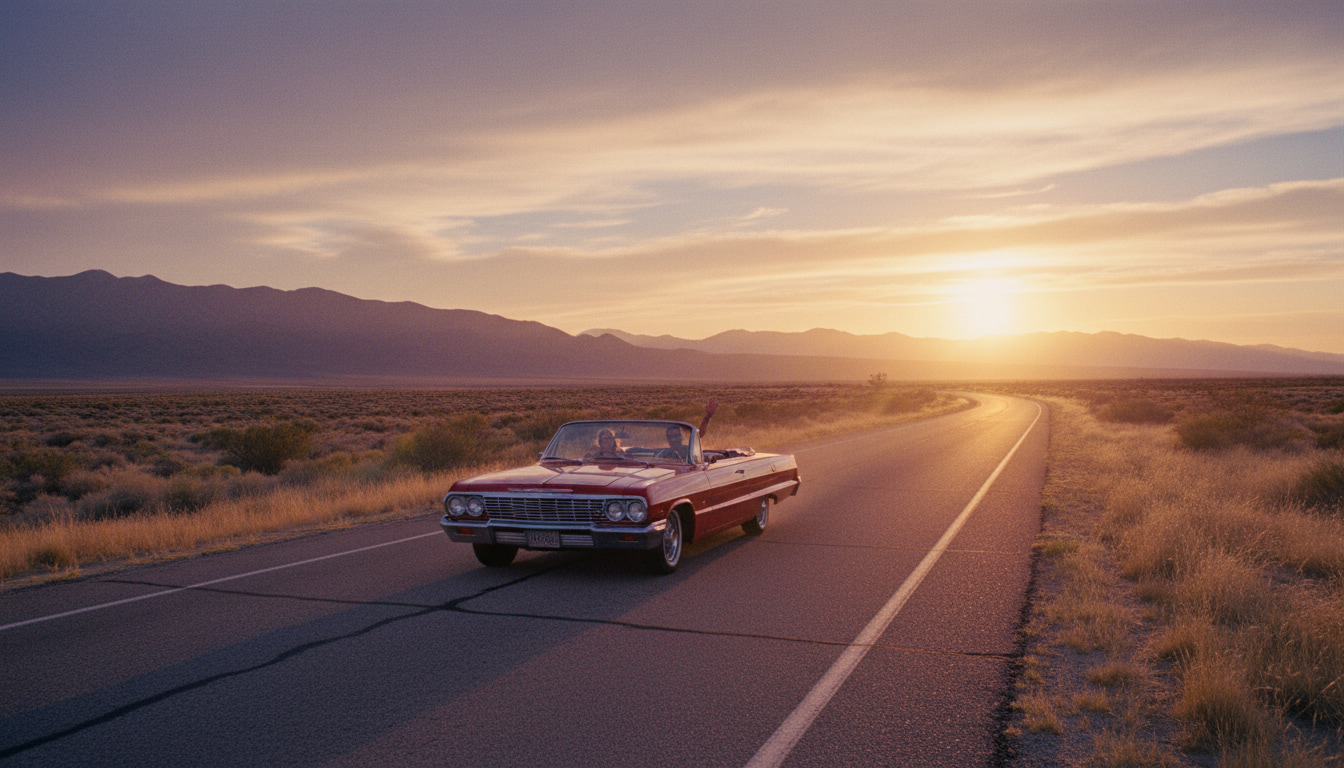
Turn a Shot Description into an MV Clip
Interprets subject, action, camera movement and mood to create shots you can cut straight into a music video.
Text to Clip
Start without source media by describing what this part of the song should look like and how it moves.
First-Frame Guidance
Upload a reference image so the clip's subject, composition and style stay consistent with your other shots.
Landscape and Vertical
16:9 for YouTube music videos, 9:16 for TikTok, Reels and Shorts.
Why Choose the SonusVid MV Clip Generator
A Single-Screen Workflow
All inputs remain on the left while the right side carries the waiting state, live progress and final video.
Optional Visual Guidance
Generate from text alone, or animate from an existing character image, album cover or a frame from your previous shot.
Publishing-Friendly Formats
Use landscape for YouTube music videos, or vertical for TikTok, Reels and Shorts.
Persistent Project Results
Project URLs stay on the tool page, and signed-in users can reopen results from their project library.
Every Shot Your Song Needs
From filling MV shots and chorus highlights to short-form clips and release teasers.

Fill Gaps in Your MV
Generate the missing shot or transition your music video still needs.
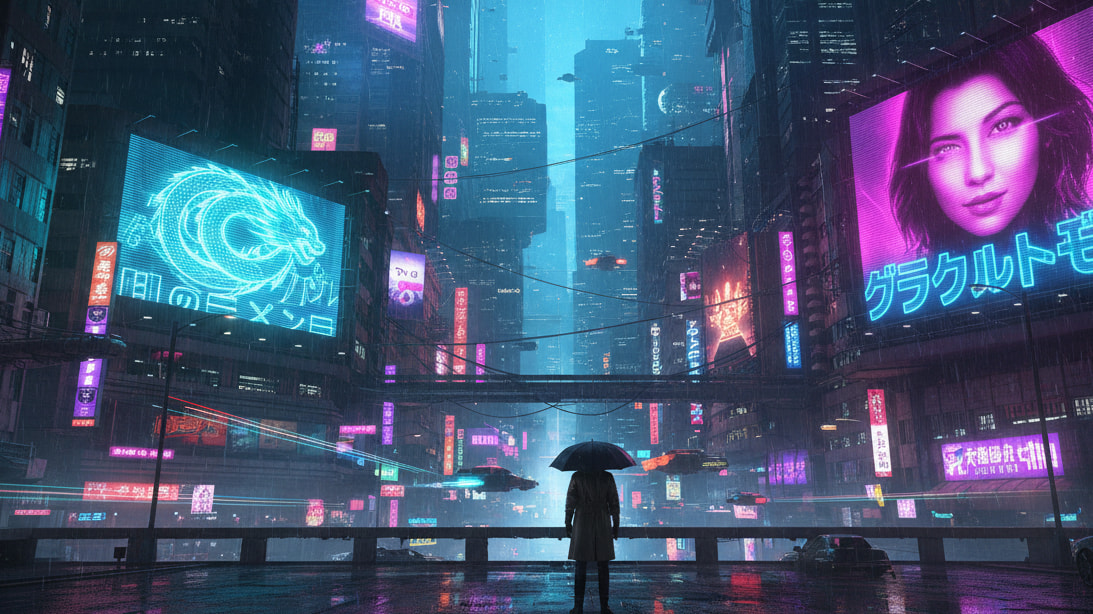
Chorus Highlights
Create a standout visual for the chorus or the song's peak moment.

Reels and TikTok Clips
Pair a 9:16 clip with a snippet of your song for short-form platforms.
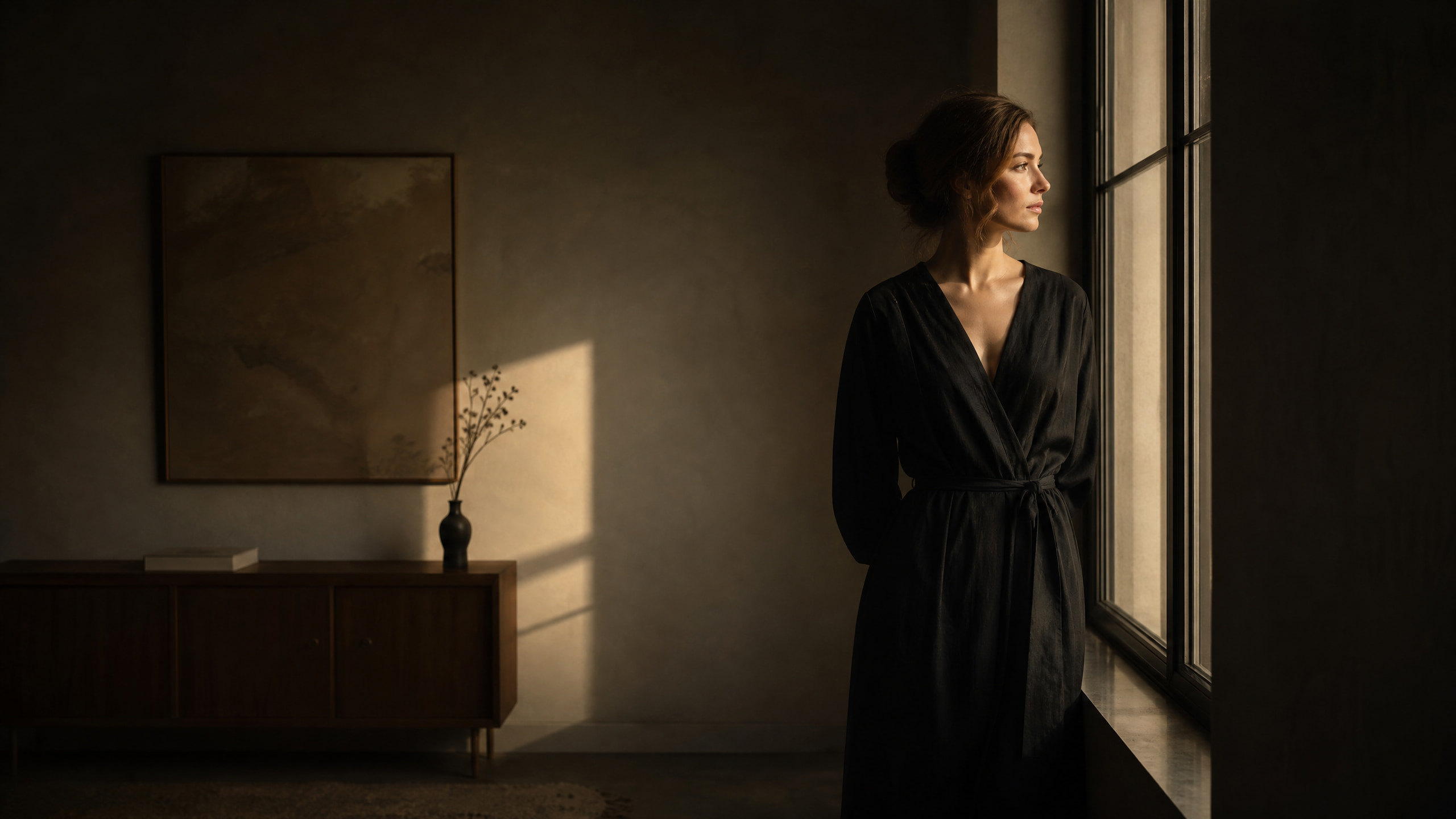
Lyric Video Backgrounds
Generate moving backgrounds to lay lyrics over.
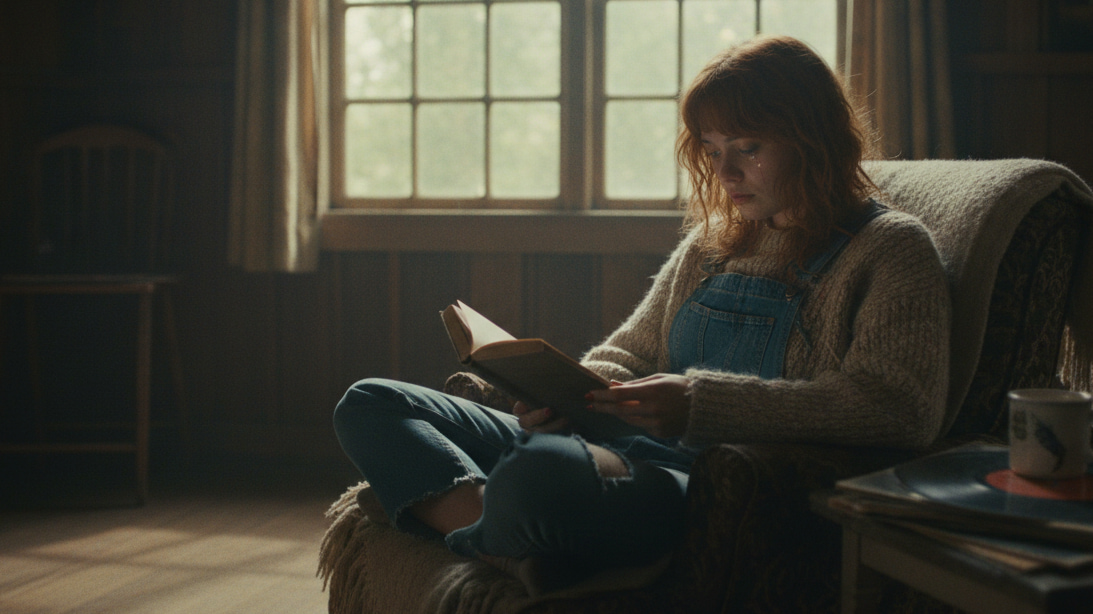
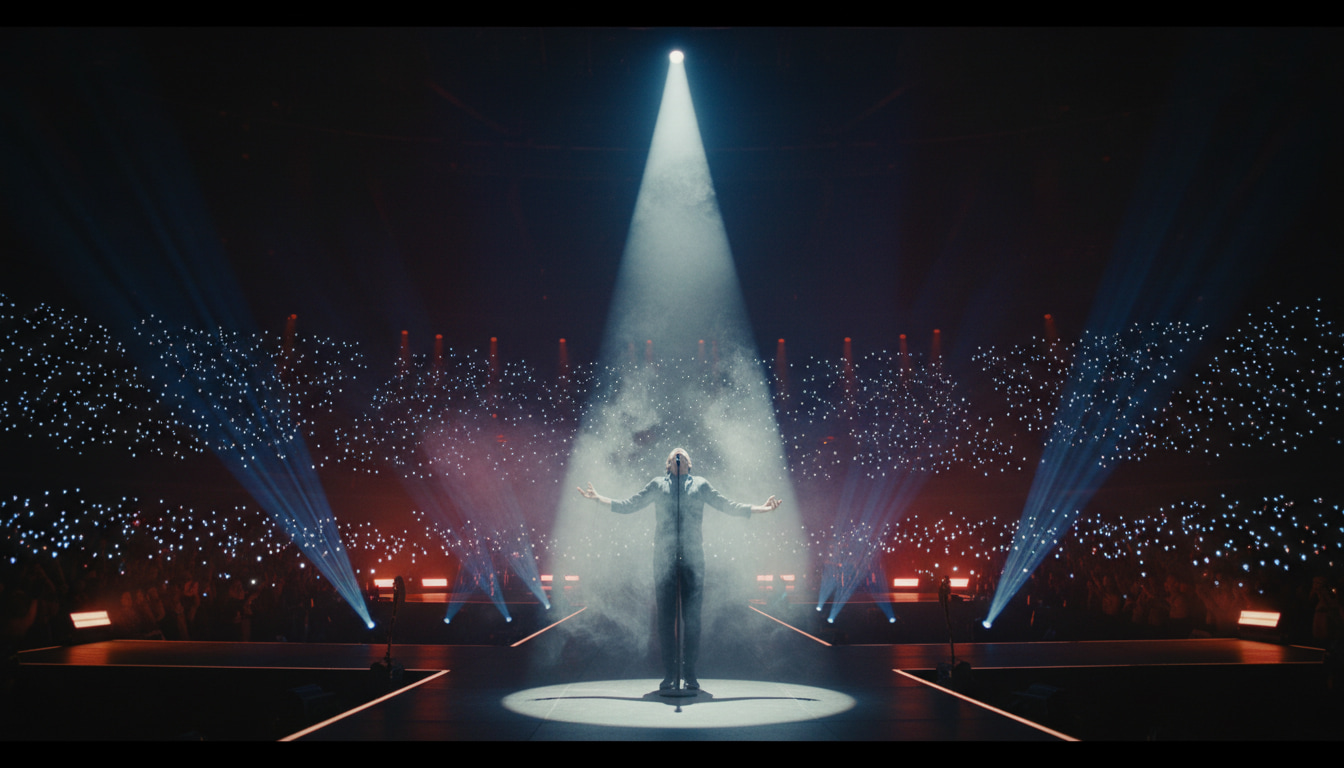
Live Show Visuals
Make screen visuals that match the song for live shows and streams.
Release Teasers
Build anticipation with a few seconds of visuals before a release.
AI Music Video Clip Generator FAQ
Didn't find your answer?Contact us
Create a shot for
your music video.
Describe a shot, optionally add a first frame, and generate and preview the clip on this page.